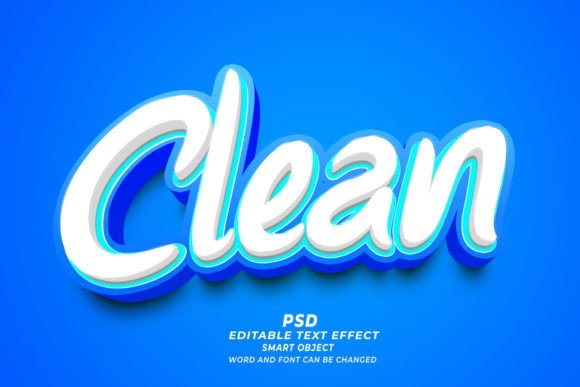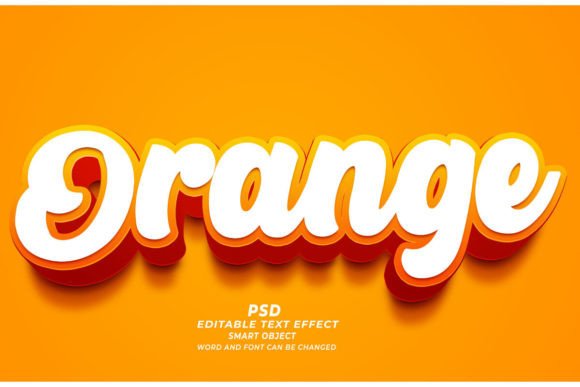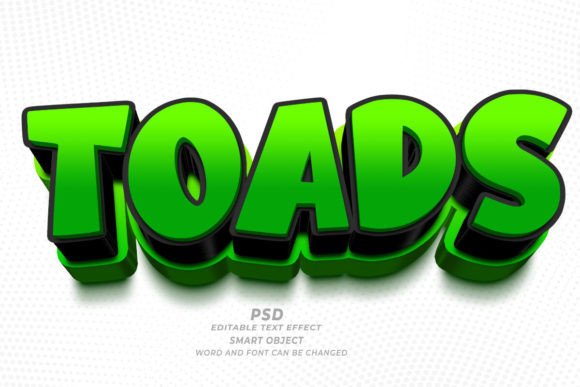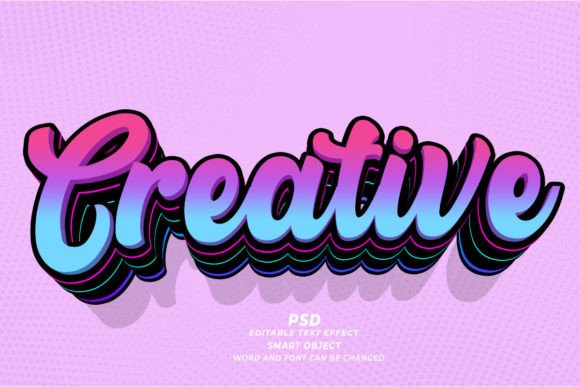
Mastering the Cyber Monday PSD 3D Editable Text Effect for Professional Results
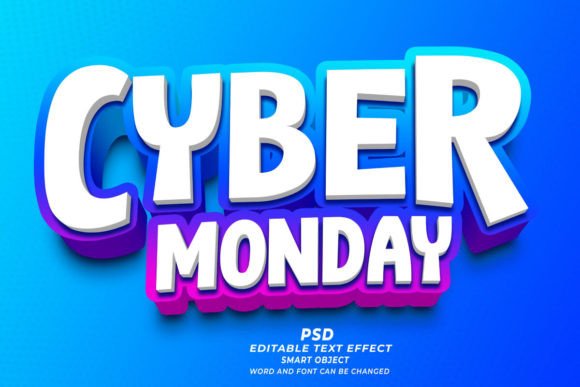
The rush to finalize marketing materials during the holiday season often leads creators to cut corners, but relying on a high-quality Cyber Monday PSD 3D Editable Text Effect can actually save you time while elevating your brand's visual identity. Whether you are designing a web banner, a T-shirt for print-on-demand services, or a KDP book cover, the difference between an amateur-looking graphic and a professional asset often lies in the depth and lighting of your typography. These pre-made Photoshop files allow you to simply open the document, locate the smart object, replace the placeholder text, and instantly generate a stunning 3D result. However, many users underestimate the nuances involved in customizing these effects, leading to outputs that look generic or technically flawed.
One of the most common misunderstandings involves resolution and intended use. A frequent mistake occurs when a designer downloads a file assuming it is universally ready for both digital and print applications without verification. While many premium packs advertise high resolution 300dpi, users sometimes inadvertently resize the canvas or export at lower settings, ruining the crispness required for physical products like apparel or hardcover books. If you plan to use these effects for POD (Print on Demand) or marketing materials that will be printed, always check the image mode and dimensions before you begin editing. A 3D effect relies heavily on shadow details and highlights; if the resolution drops, these subtle gradients turn into blocky pixels, making the text look cheap rather than dynamic.
Avoiding the Trap of Generic Font Pairings
Another area where creators often stumble is font selection. The beauty of a Cyber Monday PSD 3D editable text effect with background is its flexibility, but this freedom can lead to poor aesthetic choices. Just because the smart object allows you to type anything does not mean every font will work well with the specific lighting and angle of the 3D preset. Thick, bold sans-serif fonts usually render best in 3D environments because they provide enough surface area for shadows and highlights to play across. Conversely, using a thin, delicate script font might result in lost details where the 3D extrusion collapses or the lighting fails to catch the edges properly.
To avoid this, take a moment to preview your text within the smart object before saving. If the letters look cramped or the 3D depth distorts the character shapes, switch to a more robust typeface. Remember, the goal is readability and impact, especially for Cyber Monday promotions where consumers scan images quickly. A better approach is to test two or three font variations within the same file. Since these templates are 100% editable, swapping fonts takes seconds, allowing you to find the perfect balance between style and legibility without starting from scratch.
Overlooking Background Integration
Many users treat the text effect as an isolated element, forgetting that it needs to coexist harmoniously with the background. A common error is placing a complex 3D text design over a busy or clashing background image, which creates visual noise and reduces the effectiveness of the message. When you download a pack that includes backgrounds, analyze how the light source in the 3D text aligns with the lighting in the background scene. If the text appears to be lit from the left but the background shadows fall to the left, the image will feel unnatural and disjointed.
For those creating website headers or social media ads, simplicity often wins. If the included background feels too crowded, do not hesitate to replace it with a solid color or a subtle gradient that complements the text colors. The smart object workflow makes this easy; you can toggle background layers on and off to see what works best. Ensuring that your Cyber Monday PSD 3D Editable Text Effect sits naturally in its environment enhances the perceived quality of your brand. It signals to the viewer that attention was paid to detail, fostering trust before they even read your offer.
Technical Pitfalls in Smart Object Editing
While the "click and edit" promise of smart objects is powerful, it requires a basic understanding of how Photoshop handles linked layers. A frequent frustration arises when users edit the smart object but forget to save the specific `.psb` file inside the main document. The main PSD file will not update until that internal smart object file is saved and closed. This leads to confusion where designers think the effect is broken, when in reality, the workflow step was incomplete. Always ensure you are saving the correct window—the one containing your text layer—not just the main composition.
Additionally, some users attempt to apply these effects to non-text shapes without adjusting the perspective masks. These templates often work with any kind of shape, but complex logos or icons may require minor tweaking of the displacement maps or shadow layers to look authentic. If you are inserting a logo instead of words, check the edges. Sometimes the automatic masking leaves harsh lines that break the 3D illusion. Using a soft brush to gently refine the mask within the smart object can make the integration seamless.
Making the Right Choice for Your Project
Before downloading or purchasing a text effect pack, consider the specific requirements of your project. Are you designing for a dark mode website or a light-themed flyer? Some 3D effects are optimized for dark backgrounds with glowing edges, while others rely on drop shadows that only pop against light surfaces. Choosing the wrong style for your medium can render the effect useless, forcing you to spend hours manually adjusting blending modes and colors.
Look for packs that offer variety in lighting styles and color adjustments. A versatile Cyber Monday PSD 3D Editable Text Effect should allow you to change hues easily via adjustment layers. This adaptability ensures you can match your brand colors without needing advanced knowledge of Photoshop's 3D engine. For entrepreneurs and small business owners, this efficiency is crucial. It allows you to produce marketing materials for T-shirts, mugs, or digital ads rapidly, maintaining a consistent look across all platforms.
Ultimately, the value of these tools lies in their ability to bridge the gap between novice skills and professional output. By paying attention to resolution, font compatibility, background harmony, and technical saving procedures, you can avoid the common pitfalls that dilute the quality of your work. Treat these files not just as shortcuts, but as foundational elements that you refine to suit your unique vision. With the right approach, a simple text replacement can transform a plain idea into a compelling visual asset that drives engagement and sales during the critical holiday shopping period.