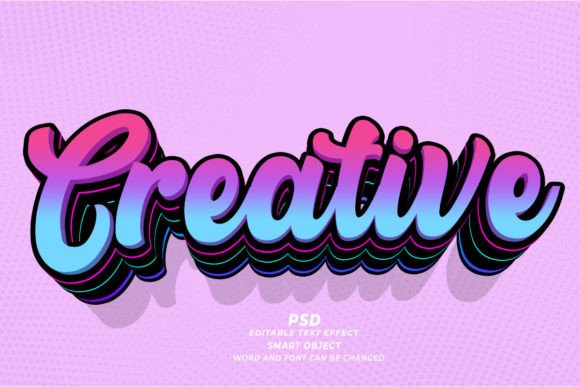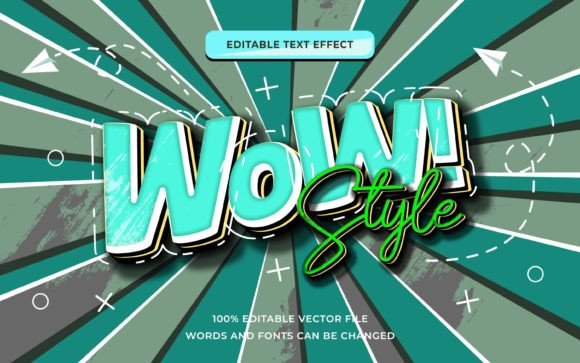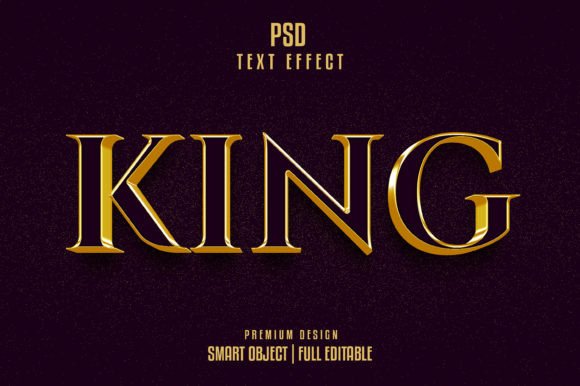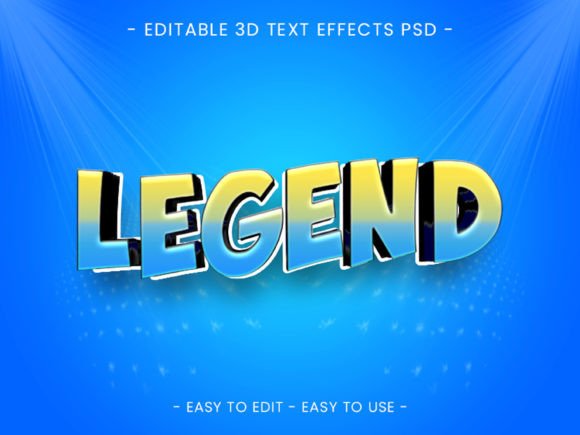
Understanding the Quote Text Effect 3D Style for Professional Graphic Design
In the realm of digital graphic design, typography often serves as the primary vehicle for communication. Whether creating social media graphics, promotional posters, or branding assets, the way text is presented can significantly impact audience engagement. Among the various tools available to designers, the Quote Text Effect 3D Style has emerged as a popular resource for adding depth and dimension to typographic compositions without the need for complex manual rendering. This specific asset functions not as a traditional font file, but rather as a collection of pre-configured graphic styles within Adobe Illustrator, offering a streamlined workflow for professionals seeking high-quality results.
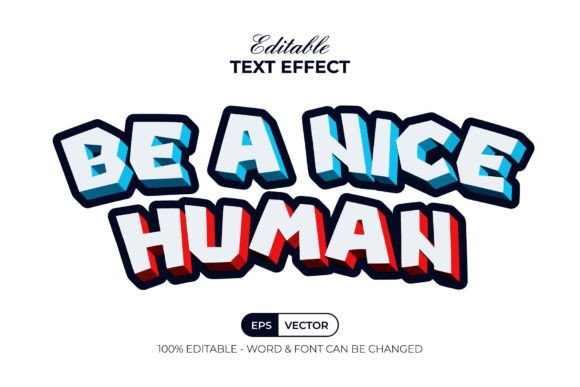
For designers evaluating whether to incorporate this type of resource into their toolkit, it is essential to understand its mechanics, advantages, and limitations compared to other methods of achieving three-dimensional text. The core value proposition of the Quote Text Effect 3D Style lies in its efficiency. Instead of manually extruding paths, adjusting lighting angles, and mapping textures—a process that can be time-consuming and technically demanding—users can simply type their desired text or create a shape and apply the effect via the Graphic Styles menu. This immediate application allows for rapid iteration, enabling designers to test multiple variations of a quote or headline in minutes rather than hours.
Distinguishing Graphic Styles from Traditional Fonts
A common point of confusion for those new to vector editing software is the distinction between a font and a text effect. It is crucial to clarify that the Quote Text Effect 3D Style is not a font. A font provides the glyph shapes—the actual letterforms—whereas this product provides the visual treatment applied to those letterforms. This distinction offers greater flexibility because the effect is agnostic to the typeface used. As long as the user has access to editable text or vector shapes, the style can be applied. The package typically includes links to free fonts, ensuring that the preview matches the final output, but the designer retains the freedom to swap these for any licensed typeface that better suits their specific project requirements.
This separation of form and style is a significant advantage over "3D fonts," which are static and limited to the specific character designs provided by the creator. With a graphic style approach, the underlying geometry remains fully editable. If a client requests a change in wording or a slight adjustment in kerning, the designer can retype the text, and the 3D effect automatically recalculates to fit the new characters. This non-destructive workflow is a hallmark of professional vector design and stands in contrast to raster-based effects found in photo editing software, where changing text often requires starting the effect from scratch.
Evaluating Workflow Efficiency and Editability
When comparing the Quote Text Effect 3D Style to manual 3D modeling techniques within Illustrator or dedicated 3D software like Blender or Cinema 4D, the tradeoffs become clear. Dedicated 3D software offers unparalleled control over lighting, physics, and texture mapping, but it comes with a steep learning curve and longer render times. Manual extrusion in Illustrator provides more control than a preset style but requires a deep understanding of anchor points, gradient meshes, and appearance panels.
The graphic style approach strikes a balance, offering a "good enough" level of realism for most 2D design applications while prioritizing speed. The included files usually come with well-organized layers, allowing users to dive into the structure if minor tweaks are needed. For instance, a designer might want to adjust the color of the extruded side versus the face of the text. Because the effect is built using standard Illustrator features, these elements remain accessible. The support for RGB color ensures that the output is optimized for digital screens, making it ideal for web banners, Instagram stories, and digital advertisements where vibrant, glowing, or metallic finishes are often desired.
Ideal Use Cases and Project Fit
Determining when to use the Quote Text Effect 3D Style depends largely on the project's scope and deadline. This tool is particularly well-suited for:
- Social Media Content: Platforms like Instagram and Pinterest favor bold, eye-catching typography that stops the scroll. The 3D aesthetic adds a tactile quality that flat design sometimes lacks.
- Rapid Prototyping: When pitching concepts to clients, being able to generate high-fidelity mockups quickly can be a decisive factor in winning approval.
- Event Posters and Flyers: For music events, sales promotions, or motivational quotes, the added depth creates a sense of energy and importance.
- Non-Designers and Small Business Owners: Individuals who possess basic Illustrator skills but lack advanced training in lighting and shading can achieve professional-looking results without needing to master complex tools.
However, there are scenarios where this solution may not be the best fit. If a project requires photorealistic integration of text into a 3D environment—for example, placing a logo on a curved bottle in a simulated studio setting—a dedicated 3D rendering engine would yield superior results. Similarly, if the final output requires specific spot colors for large-format printing, the RGB-native nature of many digital graphic styles might require careful conversion and proofing to ensure color accuracy.
Technical Considerations and File Compatibility
Before purchasing or downloading any design asset, verifying technical compatibility is a vital step. The Quote Text Effect 3D Style is generally designed for Adobe Illustrator CC or above. Users with older versions of the software may encounter issues, as newer updates often introduce enhanced appearance capabilities that these styles leverage. The package typically includes an AI file, an EPS file for broader compatibility, a JPEG preview for quick reference, and a text file with instructions and font links.
The inclusion of a "Read Me" file is a small but significant detail that speaks to the organization of the product. It guides the user on how to install the graphic styles and where to source the accompanying free fonts. This attention to documentation reduces friction during the setup process. Furthermore, the fact that the text remains 100% editable means that the file size remains manageable, unlike rasterized 3D text which can bloat a document with heavy pixel data.
Making an Informed Decision
Ultimately, the decision to utilize the Quote Text Effect 3D Style should be based on a cost-benefit analysis of time versus customization. For agencies and freelancers managing high volumes of content, the time saved by using a preset style can be reinvested into strategy, layout, and client communication. The ability to produce consistent, high-quality 3D typography across a series of posts ensures brand cohesion without the variability that can occur when different designers attempt to manually recreate a 3D look.
Conversely, designers who specialize in bespoke, artistic lettering may find the presets too generic for their needs. In such cases, the graphic style might serve as a starting point or a base layer upon which further customizations are built. The layered structure of the files encourages this kind of hybrid approach, allowing for a blend of automated efficiency and manual artistry.
In conclusion, the Quote Text Effect 3D Style represents a pragmatic solution for modern graphic design challenges. It bridges the gap between flat vector art and complex 3D modeling, providing a versatile tool that enhances visual hierarchy and aesthetic appeal. By understanding its capabilities as a graphic style rather than a font, and recognizing its strengths in speed and editability, designers can effectively determine if this resource aligns with their current workflow and project goals. Whether used for a quick social media update or a polished marketing campaign, it offers a reliable method for elevating text from simple information to a striking visual element.